Key takeaways
- Past ~100 orders/day, more conversion data does not mean better learning. Meta's optimizer is already saturated. The composition of what you send matters more than the volume.
- Sending every conversion to CAPI teaches Meta to find more of your existing customers. If 70 percent of your purchases are repeat buyers, the optimizer learns to target lookalikes of them.
- Meta's job is generating incremental revenue. Your CAPI signal should match that job. Send back only purchases from new customers.
- The fix: fire the Purchase event to CAPI only when the customer is on their first order. Keep the browser pixel firing for everything so retargeting and analytics still work.
- Symmetric move: exclude existing customers from prospecting audiences in Ads Manager. So the optimizer does not target them either.
- What we see in adtribute customer data: new customer rate climbs by [X%] over [Y weeks] across [N customers]. Short-term reported ROAS may dip. true incremental ROAS compounds upward.
Your CAPI tracking setup might be hurting your business performance. Past a certain volume, every additional conversion event teaches Meta’s algorithm almost nothing. And the events you’re sending may be pulling your ad spend toward customers who would have bought anyway.
This is a quiet problem. Reported ROAS often stays steady or even improves while new customer acquisition slows. Independent attribution that measures new-customer ROAS is what surfaces the problem. By the time you notice, you’ve been training Meta’s optimizer to find more of the customers you already had, and spending your budget to reach them.
The fix is small and the lift is large. For E-Commerce brands past a certain order volume, the right move is to send fewer events to Meta’s Conversions API, and to be deliberate about which ones. This article explains the mechanism, the threshold where it kicks in, and the specific configuration that fixes it.
Why this matters: the stakes for E-Commerce brands
Most E-Commerce brand operators and performance marketers run on a baseline assumption that more conversion data sent back to Meta means better ad performance. That assumption is right early on, when Meta’s algorithm is data-starved and any signal is useful learning material. It stops being right past a certain volume.
The inversion is sneaky. Once you cross the threshold, sending more conversions doesn’t actively break anything Meta can flag in a dashboard. It just shifts what the optimizer learns to find. If most of what you send is repeat purchases, you’re slowly training the algorithm to chase customers who would have bought anyway. And for any brand with reasonable retention, most of what you send is repeat purchases.
Reported ROAS holds steady or improves. Meta’s internal models are happy to claim credit for revenue you would have earned organically. The real signal, new customer acquisition rate, quietly declines. Months later you notice your blended CAC is climbing and growth has slowed, but the dashboard still looks fine. By that point you’ve been paying retail CPMs to retarget your existing customers across Meta’s network.
This matters most for brands with repeat-purchase economics: skincare, supplements, coffee, pet food, replenishable apparel. The faster customers come back, the faster the optimizer gets corrupted. It matters for considered-purchase brands too, but the inversion happens slower. (For a sense of how competitive these verticals are on Meta, browse the highest-reach supplement ad examples and skincare ads in our Ad Library.)
If you’re an E-Commerce brand doing more than ~100 orders a day, the rest of this article is for you.
Quick primer: what Meta CAPI is and how it actually works
Meta’s Conversions API (CAPI) is the server-side complement to the browser pixel. The browser pixel fires in the user’s browser when a conversion happens. CAPI fires from your backend, sending the same conversion event directly to Meta’s servers. Both feed the same optimizer.
CAPI exists because the browser pixel got unreliable. Post-iOS 14, ad blockers, cookie loss, and ITP restrictions strip 30–50% of conversion events depending on segment. CAPI recovers most of them by going server-to-server, where the user’s browser settings don’t apply.
The standard setup runs both. The browser pixel fires client-side. CAPI fires server-side. an event_id matches the two so Meta deduplicates and doesn’t double-count. Coverage goes up. Reporting accuracy goes up. The optimizer gets more data to train on.
This is where conventional advice ends. The conventional advice treats CAPI as a coverage problem: send everything, plug the gaps from iOS 14 and ad blockers, move on. The argument here is that past a certain volume, CAPI is a composition problem, not a coverage one.
Image 1 (placeholder). Two-pane diagram. Left pane labeled “Browser pixel” showing a browser tab with a Meta pixel icon. strikethrough overlays on the words “cookies,” “ITP,” “ad blockers” to suggest the signal getting eroded. Right pane labeled “Meta Conversions API (CAPI)” showing a clean server icon with a solid arrow to Meta’s logo. Both panes converge into a third box labeled “Meta’s optimizer.” Caption: Both paths feed the same optimizer. What you send shapes what it learns.
The volume threshold: where signal quantity stops helping
Meta has a published threshold for ad set training: 50 conversion events per ad set per week. Below that, your ad set sits in the learning phase and the algorithm doesn’t have enough signal to optimize well. Above it, the ad set exits learning. This is the threshold most marketers know about, and at the ad-set level it’s accurate.
The threshold this article is about is different. It’s the account-level threshold where the aggregate signal coming into Meta’s optimizer stops compounding into better targeting. Past this point, additional volume into CAPI doesn’t make the algorithm meaningfully smarter at finding new customers. The optimizer has enough signal density to model your customer base. sending more of the same just reinforces what it already knows.
For most E-Commerce brands, that crossover sits around 100 orders per day at the account level. That’s roughly 3,000 orders a month, well past Meta’s per-ad-set learning-phase exit.
Below this threshold, the conventional advice holds. Send everything to CAPI. The optimizer is data-starved and any signal is good signal.
Above it, the calculus flips. The optimizer has plenty to learn from. What it learns from now determines what it targets. That’s where composition matters more than volume.
The rest of this article assumes you’re above the threshold. If you’re not, your priority is still coverage. Set up CAPI cleanly, dedupe via event_id, fire everything. Come back when you cross 100 orders a day.
Image 2 (placeholder). Learning curve chart. X-axis labeled Conversion events sent to Meta’s optimizer per month. Y-axis labeled Marginal value to the optimizer. Curve rises steeply through the first ~1,000 events, climbs more slowly to ~3,000, then flattens. Vertical dashed line at 3,000 (= 100 orders/day) labeled Composition threshold. Annotation: Past this point, more volume ≠ better targeting. What you send matters more than how much.
What Meta is actually trying to do
Meta’s optimizer is doing exactly what you told it to do. The problem is what you told it.
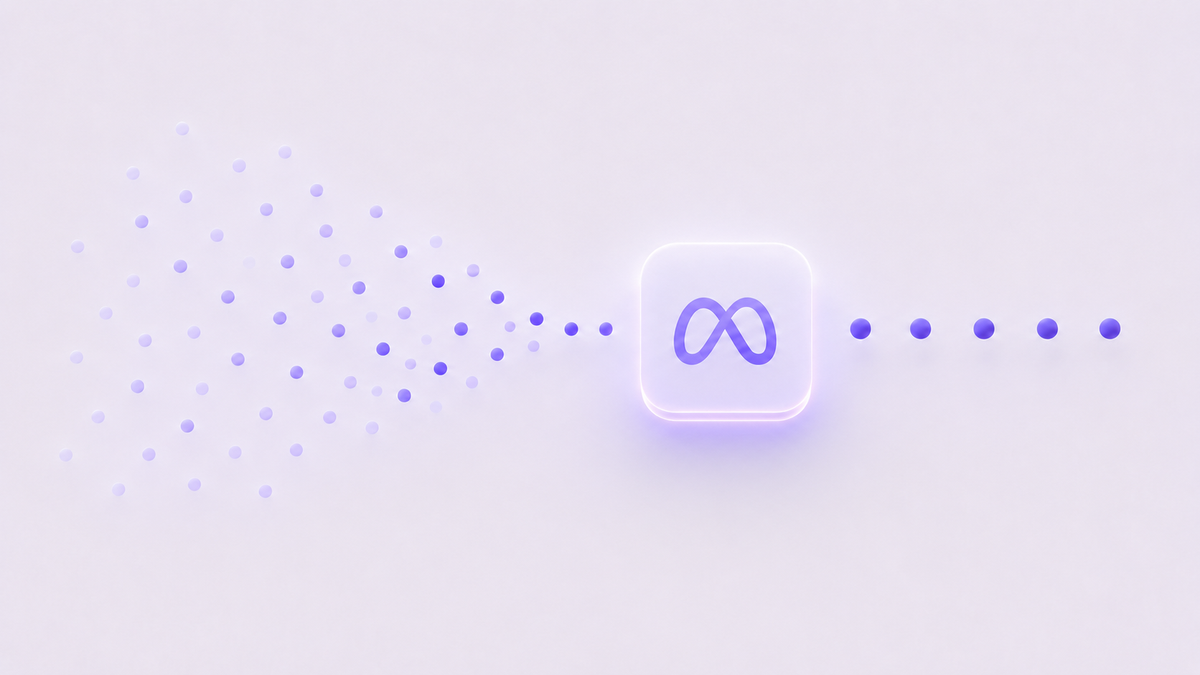
The optimizer’s input is conversion events. Each event is effectively a label that says “this kind of person converts.” Its output is targeting. The optimizer finds more people who look like the converters. The mapping is direct. Send it 10,000 conversions a month, and it will find you more people who look like those 10,000 people.
For a brand with healthy retention, the composition of those 10,000 conversions matters a lot. If 70% of them are repeat purchases, the optimizer learns that “people who convert” look like your existing customer base. Its prospecting then drifts toward lookalikes of those customers, with similar browsing patterns, demographics, and past purchase behavior. Many of them are already your customers.
Meta’s algorithm is working exactly as designed. The inputs are the problem, not the optimizer.
Now align that to Meta’s real job. Meta sells ads to brands that need new customers. Otherwise advertisers churn off the platform. Internally, Meta cares about incremental revenue. They run their own incrementality lift studies. They benchmark their own performance against the customers they helped you actually acquire, not the ones you would have kept regardless.
Your job aligns with Meta’s. You want to pay for incremental customers, not for retargeted regulars. The mismatch happens at the signal layer. Meta’s optimizer can claim credit for any conversion you feed it, including non-incremental ones. You can’t tell the difference downstream because the reporting collapses incremental and non-incremental conversions into one ROAS number.
The fix is to align what you send with what you want optimized for. Stop sending events that lead the optimizer in the wrong direction.
Image 3 (placeholder). Two columns side by side with arrows from a center box labeled Your CAPI feed. Left column highlighted, labeled What you want: a row of stick figures with ”$” symbols above them, labeled Incremental new customers. Right column greyed out, labeled What Meta’s optimizer learns to find: similar stick figures labeled Lookalikes of your existing customers. Caption: When repeat-purchase signals dominate your CAPI feed, the optimizer pulls spend toward customers who would have bought anyway.
The fix: send only new-customer purchase events back to CAPI
The fix is a server-side filter, not an ad-platform setting. Implementation is small. The change happens at the moment your backend decides whether to send a Purchase event to CAPI.
The core rule: fire the Purchase CAPI event only when the customer is new at the time of the order.
How to detect “new”:
- Shopify: check
customer.orders_counton the order. If it equals1, the customer is new. If it’s greater than1, it’s a repeat. - Custom backends and headless: look up the customer record at checkout. If they have no prior orders in your database, they’re new.
- B2B and subscription edge cases: use first-order semantics, not first-billing. A subscription customer’s second monthly billing isn’t a new acquisition.
The dedupe pattern stays. Both browser pixel and CAPI should share an event_id for the same conversion so Meta deduplicates. The filter is one-sided. Browser pixel fires for every purchase. CAPI fires only for new-customer purchases.
This matters. You still need the browser pixel firing for every conversion. It’s what powers Meta’s retargeting audiences, on-platform reporting accuracy, and your own pixel-based dashboards. The filter we’re adding is specifically about what the optimizer learns from. The optimizer learns disproportionately from CAPI because it’s the cleaner, more complete signal.
The symmetric move: exclude your existing customer list from prospecting audiences in Ads Manager.
This is the other half of the same idea. The CAPI filter shapes what the optimizer learns. The audience exclusion shapes what it targets. Without both, you’ll still see existing customers in prospecting because they look like other prospects in non-signal ways (demographics, interests).
Upload your full customer list to Meta as a Custom Audience. Then in every prospecting campaign, set that audience as an exclusion. Refresh it weekly so newly acquired customers move into the exclusion list as they convert.
What not to filter out:
- Don’t filter the browser pixel. Keep it firing for everything.
- Don’t filter conversion events for retargeting campaigns. Those campaigns explicitly want to reach existing customers.
- Don’t filter
ViewContent,AddToCart, or other upper-funnel events. They teach the optimizer about purchase intent regardless of whether the user is new or repeat.
You’re filtering one event type (Purchase) at one location (your CAPI server endpoint). That’s the whole change.
Image 4 (placeholder). Flowchart. Top box: Order placed. First decision diamond: Customer’s first order? Two branches. Yes branch leads to two parallel arrows pointing at Send
Purchaseevent to CAPI and Fire browser pixel. No branch leads to two parallel arrows pointing at Skip CAPI for thisPurchaseand Fire browser pixel anyway. Caption: Browser pixel always fires. CAPI is the optimizer training signal. Filter at the CAPI layer only.
What changes when you do this
In adtribute customer data, brands that switched to new-customer-only CAPI events saw new customer rate climb by [X%] over [Y weeks] across [N customers]. We saw it consistently across categories like supplements, apparel, and home goods. The pattern looks durable.
When the optimizer stops being trained on repeat-customer signals, it stops chasing them. Your prospecting budget reaches more genuinely new people. New customer rate goes up.
There’s a second-order effect on cost. When Meta isn’t retargeting your existing customers across prospecting audiences (you’ve also excluded them from those audiences), CPMs to those repeat customers stop being subsidized by your acquisition budget. Blended CAC drops because you’re paying retail CPMs only for the customers worth paying for.
Honest about the short-term reporting: your reported ROAS on Meta may dip the week you make this change. Two reasons. First, Meta’s optimizer needs a week or two to recalibrate without the repeat-purchase signal. Second, you’re no longer claiming attribution for repeat purchases via the CAPI path, so the reported number of attributed conversions per dollar spent goes down.
This is a reporting artifact, not a performance regression. Your incremental ROAS goes up. That’s the only ROAS that actually compounds. The brands we’ve watched make this change saw blended CAC drop and contribution margin improve by week 4 to 6, even as reported Meta ROAS sat 10 to 15% lower than before.
If you don’t trust the lift studies, run a holdout. Reserve 10% of customers from the change for 30 days and compare new customer rate between the cohorts. The change should be visible without statistical gymnastics.
Image 5 (placeholder). Aggregate change in new customer rate across adtribute customers. Two bars side by side. Left bar labeled Before: full-signal CAPI, shorter, with a placeholder percentage (e.g.
[Baseline %]). Right bar labeled After: new-customer-only CAPI, taller, with a placeholder percentage (e.g.[Lift %]). Annotation: Aggregated across[N]adtribute customers over[Y]weeks. Methodology: per-customer 4-week pre/post comparison.
The principle
Signal quantity at the start. Signal quality at scale.
The threshold is a function of volume, not stage. A two-year-old brand doing 200 orders a day needs to filter. A ten-year-old brand doing 60 orders a day doesn’t yet. What matters is signal saturation, not business maturity.
If you’re past 100 orders a day, the standard CAPI setup is silently working against you. Filter the Purchase event to first-time customers only. Keep the browser pixel firing for everything. Exclude existing customers from prospecting audiences. Wait two weeks. Watch the new customer rate.
You’re not removing data. You’re stopping the optimizer from optimizing toward the customers you’d have kept anyway. That’s the entire move.
adtribute filters new-customer events to Meta automatically as part of how we set up first-party tracking for E-Commerce brands past this threshold. If you want to see what your new customer rate looks like with this fix in place, we can take a look at your setup.